qBittorrent logo qBittorrent

✨ Feature Matrix

Feature Breakdown for qBittorrent

qBittorrent combines a clean user interface with advanced torrent management so users can monitor, automate, and optimize transfers without paid add-ons.

Main window expanded view

Main window screenshot with General tab expanded (`Main window (General tab expanded).webp`).

🔍 Process Inspection

Inspect active torrent jobs, peer sessions, and tracker responses. This helps identify stalled torrents, dead trackers, and unbalanced seeding behavior quickly.

Open clean install checklist →
Main window collapsed view

Main window screenshot with General tab collapsed (`Main window (General tab collapsed).webp`).

📈 System Monitoring

Track global speeds, per-torrent activity, and queue health to prevent bandwidth spikes and maintain predictable network performance.

Learn monitoring best practices →
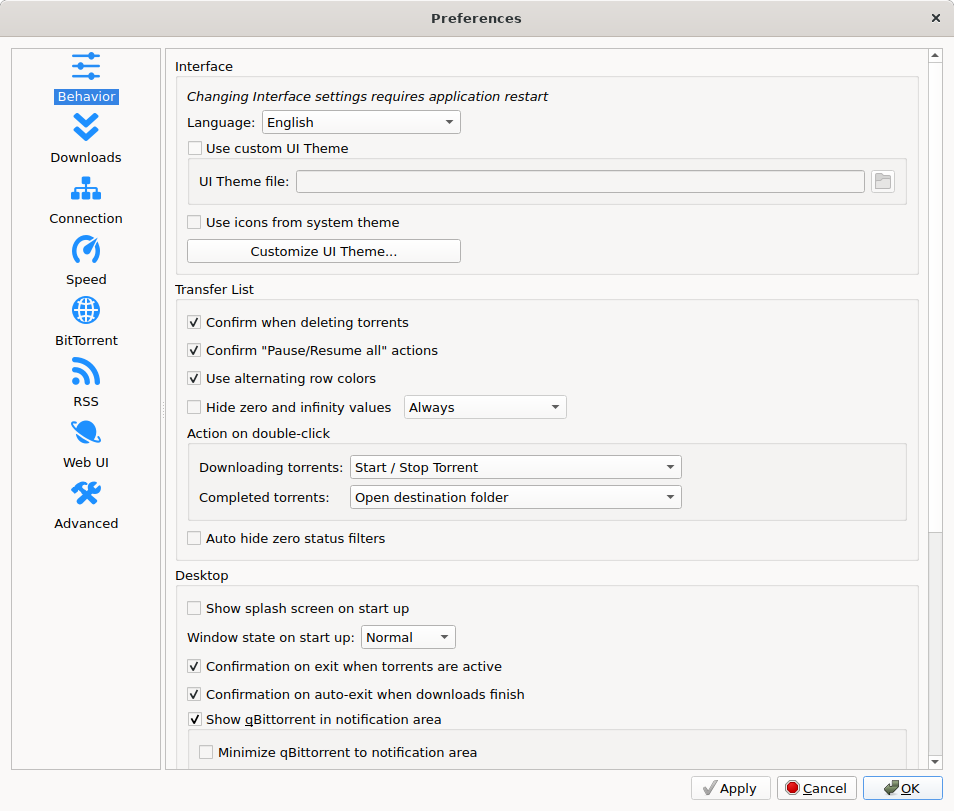
qBittorrent options dialog

Detailed application configuration panel (`Options dialog.webp`).

⚙ Advanced Permissions and Controls

Configure connection limits, encryption modes, interface behavior, and save-path logic to match your security policy and network environment.

View setup flow →
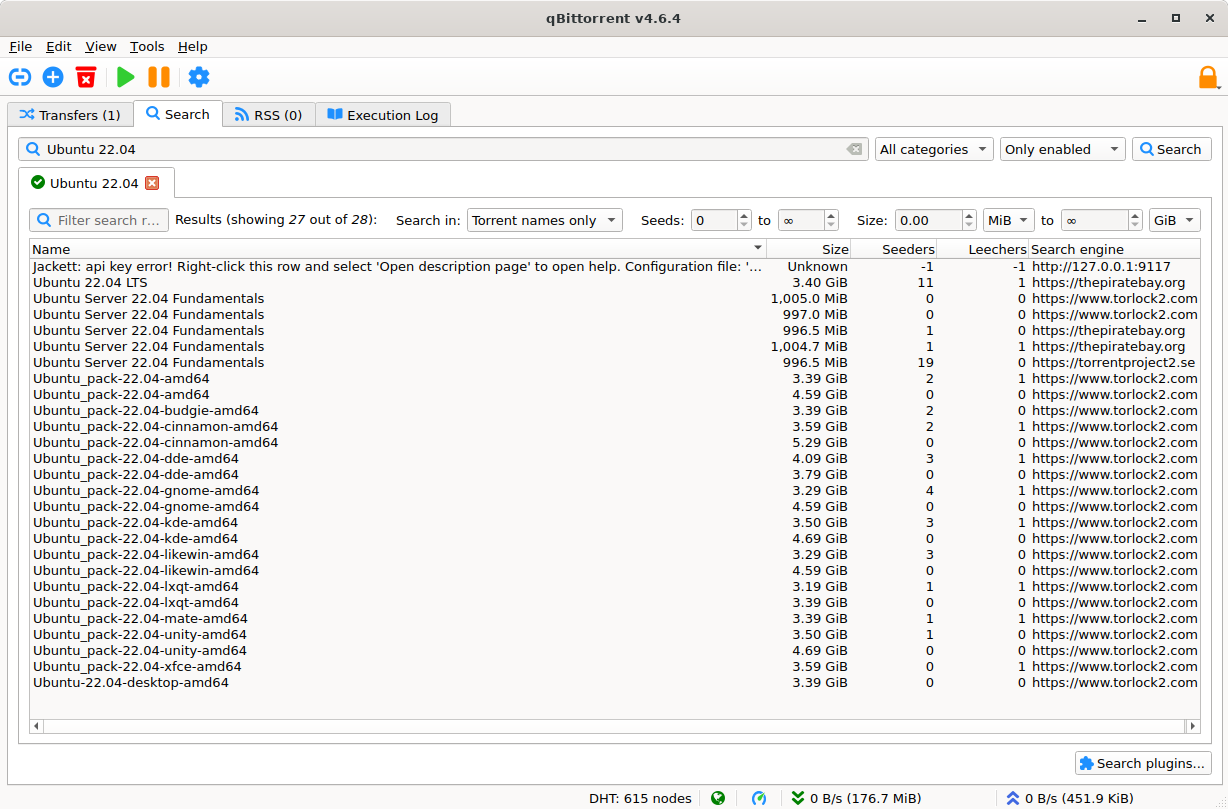
Search interface screenshot

Integrated search interface screenshot (`Search engine.webp`).

🚀 Performance Insights

Use queue settings, protocol preferences, and seeding rules to improve throughput on home networks, VPS instances, and shared infrastructure.

Read benchmark validation guide →
Headless nox version screenshot

Terminal-based nox/headless mode screenshot (`Running headless (nox) version.webp`).

🧩 Plugin Support

The integrated search system supports plugins so users can query torrent indexes directly from the app interface while keeping workflows centralized.

⬇ Download